

As of October 13, 2026, Signatoro is listed in Claude's connector directory: Signatoro in Claude. Connect it once, and before Claude drafts or sends an email for you, it fetches your saved signature and ends the email with the current version. The same directory serves Claude.ai, the desktop and mobile apps, Claude Code and Cowork. Signatoro carries the directory's Community label, which Anthropic gives connectors that passed its automated review.
Claude signs with your details, your agents and your footer
- Your emails carry your real details. Along with the signature,
get_signaturereturns your name, title, phone and links as fields, so the email body uses them as written. - Your company's AI agents sign as themselves. A company owner sets up company AI agents on Signatoro, each with its own name, role and a line saying it is an AI. When Claude writes as one of them, the email ends with that agent's signature.
- The company footer goes under every signature. On Company plans that include the compliance footnote, the line the owner writes appears under each person's signature and each agent's.
Tested: Ada signs as herself, with the company footer
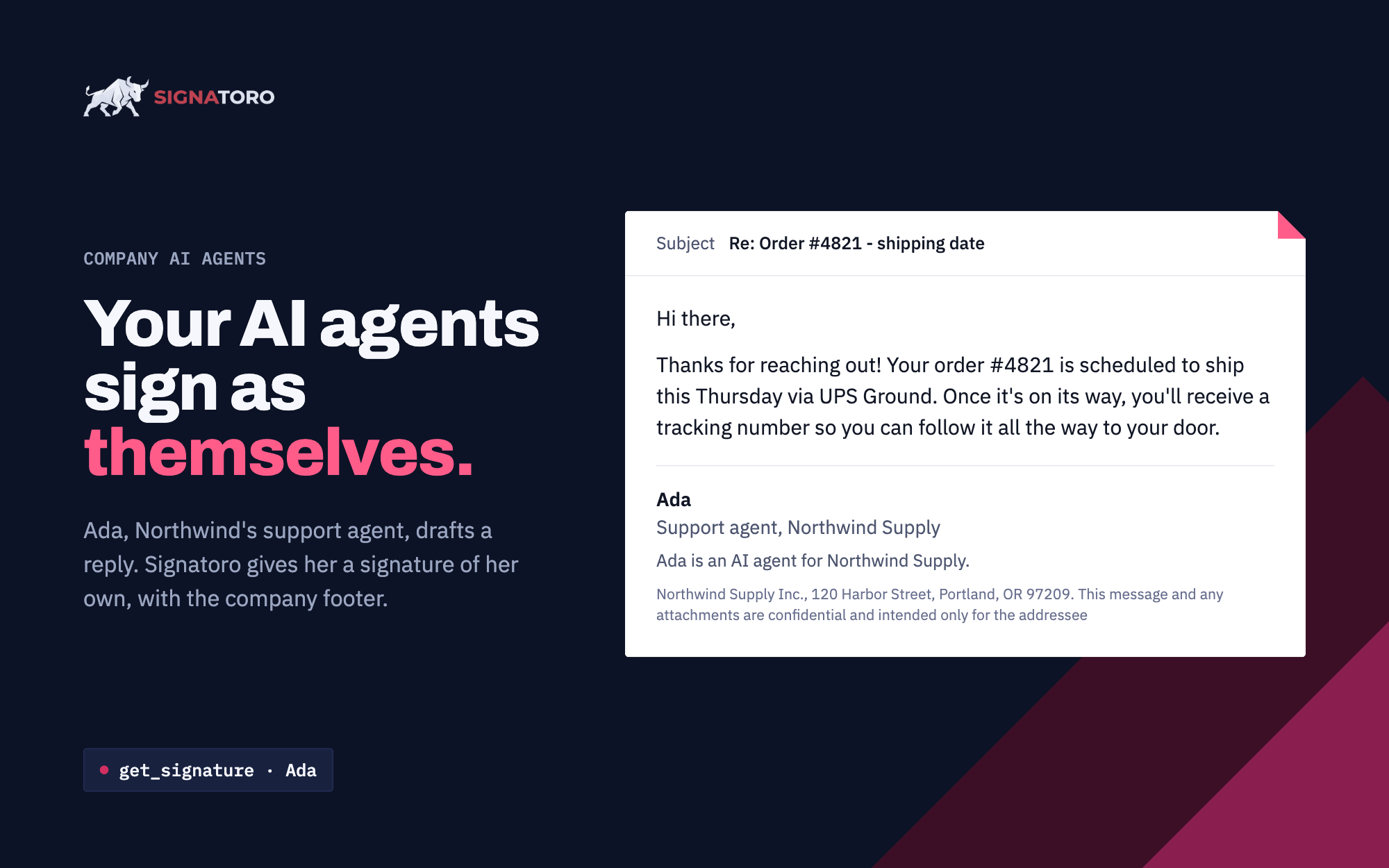
We tested the connector in Claude.ai on October 13, 2026, with a test company, Northwind Supply. Claude drafted a support reply from Ada, Northwind's company AI agent, and ended it with Ada's own signature: "Support agent, Northwind Supply", the line "Ada is an AI agent for Northwind Supply." and Northwind's compliance footer. A personal email Claude drafted ended with the person's saved signature and the same footer.
Connect Signatoro to Claude in three steps
- In Claude, open Customize, then Connectors, and find Signatoro, or open the listing linked at the top of this post.
- Click "Connect to Claude".
- Sign in to Signatoro when a tool first needs your account: Claude shows a Connect card in the chat. Sign in, check what Claude asks to do, and click "Approve".
On a Team or Enterprise plan, an owner adds Signatoro under Organization settings, then Connectors, and each member connects with their own Signatoro account. A Team member without that permission clicks "Request", which asks the owners to add it.
The MCP guide has every tool and the steps for Claude Code, ChatGPT and other assistants. Claude email signature covers Claude and agents built on it, over MCP or the REST API.
Claude can also make, change and roll out signatures
Without an account:
- Make a free signature from your name and details, as HTML and text (
create_signature). - Compare the five layouts (
list_templates). - Get the install steps for Gmail, Outlook, Apple Mail and 25+ other mail apps (
get_install_steps).
Signed in, change your saved signature ("update my title") or list the signatures you can send with, your own and your AI assistants'.
Company owners can add people, update a person's name, title or phone, resend an invitation and remove people. Removing takes two steps: Claude shows who would be removed and removes them only after you say yes.
Signatoro in Claude questions
Is the Signatoro connector free?
Yes. Making a signature works without an account, and a free account saves your signature for Claude to fetch. Each get_signature call counts as one API request: Free has a monthly limit, and company plans are unlimited. See pricing.
Does it work in Claude Code?
Yes. The directory listing serves Claude Code too, or add the server in a terminal with claude mcp add --transport http signatoro https://signatoro.com/mcp. Claude Code opens the Signatoro sign-in page the first time a tool needs your account.
Which signature does Claude use if I have AI assistants?
Claude uses your own signature by default. It lists the signatures you can send with and asks you when it is unclear which one an email needs. To make one connection always sign as one agent, set "Signs as" under "Connected assistants" on your signature page.